XHLUX
XHLUX

A smart downlight is a recessed or surface-mounted LED fixture whose output responds to digital commands, schedules, sensors or automation rules. Its intelligence may sit in the luminaire, driver or an external controller.
Use this page when you need to trace the command path from an app, switch, sensor or voice assistant to the driver and light output.
If you are choosing between Bluetooth and Wi-Fi, use the connection comparison:
→ Bluetooth versus wifi-downlights: welke slimme verlichting past het beste bij jou?
If recessed, surface-mounted or adjustable construction is still open, start here:
→ Installatiemethoden voor LED-downlights: Inbouw versus opbouw versus verstelbaar
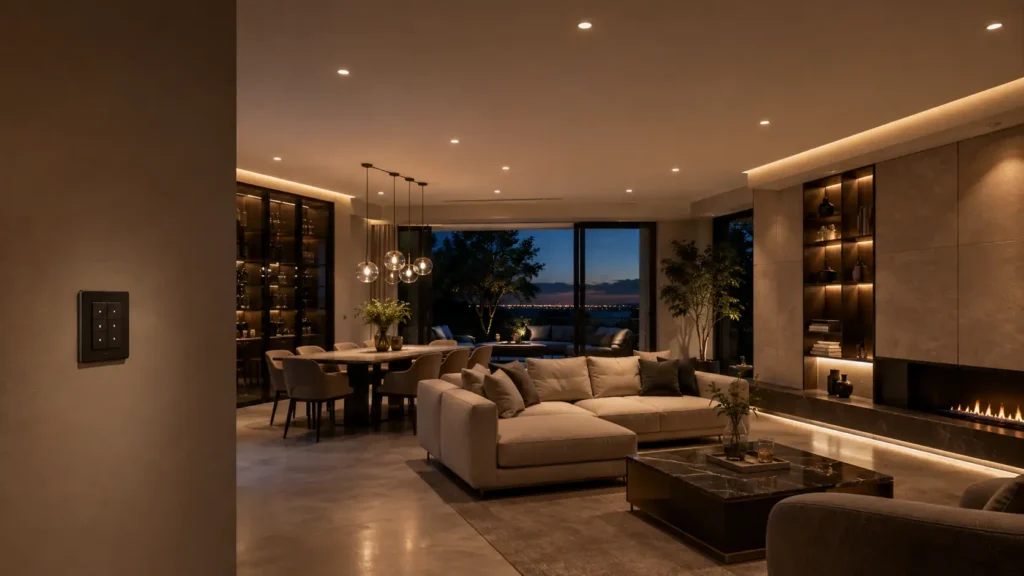
Kort samengevat: A smart downlight is a controllable lighting system, not just a fixture with an app. Verify the driver, communication path, platform, fallback control and commissioning method before specifying it.
What actually makes a downlight smart?
A dimmable downlight is not automatically smart. A standard phase-cut fitting can change brightness, but it does not necessarily identify itself on a network, store scenes or react to software commands.
A smart version normally contains—or connects to—four functional parts:
- An LED light engine that produces the light.
- A driver or control interface that changes output.
- A wired or wireless communication component.
- Software that translates user actions or automation rules into commands.
The radio may be built into each downlight, or ordinary dimmable fixtures may connect to a smart relay, dimmer or centralized controller. Both arrangements create different service and compatibility risks.
The awkward search phrase downlight smart therefore describes a system capability, not one universal product architecture.
🎯 What makes the fixture smart?
The controller can receive a digital command and change the light without a direct manual adjustment at the fixture.
How does the control command reach the light?
Every control event follows a path. A person, schedule or sensor creates an instruction; the system transports it; the controller changes the driver output; and the downlight responds.
A command moves from an app, switch, sensor or voice assistant through a platform or gateway to a controller and LED driver, then changes the downlight output. Status may return to the platform.
Command input
App · switch · sensor
schedule · voice
Control layer
Platform · hub · router
or local controller
Fixture control
Radio · controller
LED driver
Light output
On/off · dimming
CCT · colour · scene Optional state feedback: on/off, level, temperature or fault
The product label names only part of this path. Specify every required control layer.
A phone app may talk directly to a nearby Bluetooth device. A Wi-Fi fitting may join a router. A Zigbee luminaire usually exchanges messages through its compatible network.
A Matter product uses Matter above transport technologies such as Wi-Fi, Thread and Ethernet; Bluetooth Low Energy is commonly used during setup. The Connectivity Standards Alliance Matter FAQ explains this separation between Matter and its underlying network technologies.
The path may be local, cloud-assisted or mixed. An app alone does not guarantee remote access, offline operation or status feedback.
🎯 What is the control chain?
An input sends a command through the required network or controller to the downlight driver and light engine.
Which devices can control a smart downlight?
The control surface is what the user touches—or the automation that acts without being touched.
| Control input | What it usually does | What to verify |
|---|---|---|
| Mobile app | Commissioning, grouping, scenes and schedules | Supported OS, account requirement and local/offline behavior |
| Wall switch or scene panel | Fast everyday control | Whether it cuts power or sends a control command |
| Voice assistant | Spoken on/off, dimming or scene recall | Platform support, room naming and internet dependency |
| Occupancy or daylight sensor | Automatic response to presence or light level | Sensor logic, timeout, override and commissioning method |
| Building controller | Group, schedule and monitor many luminaires | Interface, addressing, gateway and maintenance access |
A voice control smart downlight does not interpret speech itself. The assistant identifies the device or group and routes an authorized command through the platform.
Sensors and timers can operate the same control states. Bluetooth SIG’s Mesh Model specification, for example, defines functions for on/off, lightness, colour temperature, colour, scenes and sensor-led control in Bluetooth Mesh systems.
🎯 Does voice talk straight to the lamp?
Usually no; a voice platform interprets the request and routes a command through the configured control system.
What can the control system change?
Available functions depend on the LED engine, driver and software—not just the app interface.
Common controllable states include:
- On/off state
- Brightness level and fade time
- Tunable-white colour temperature
- RGB or RGBW colour, when the light engine supports it
- Group membership
- Saved scenes
- Schedules and automation triggers
- Status, energy or fault data, when implemented
For the same control principles in another luminaire format, compare the smart dimmable track-light guide.
A smart downlight dimming and scene requirement should therefore name the expected behavior. State the minimum dim level, fade behavior, scene recall method, group response and what happens after power is restored.
Some systems respond to occupancy and ambient-light data. The Bluetooth SIG Mesh Networking primer describes manual and automated control across luminaire groups, but not every Bluetooth-labelled downlight implements those models.
🎯 Are all smart functions included?
No; the light engine, driver, protocol profile and software determine which control states actually work.
What happens during setup?
De smart downlight setup process is commissioning, not merely installation. Installation provides safe power; commissioning identifies, networks and configures the device.
A practical sequence is:
- Confirm voltage, driver, dimming interface and control protocol before installation.
- Energize the fitting without repeatedly interrupting power.
- Put the device into its documented pairing or provisioning mode.
- Add it to the correct app, hub, gateway or commissioning tool.
- Name and group it by room, circuit or lighting zone.
- Configure scenes, schedules, sensors and permissions.
- Test every control path and recovery after router or power interruption.
- Record device IDs, ownership and reset procedures for handover.
For Matter devices, Bluetooth Low Energy may assist commissioning while normal operation uses another supported network transport. For Bluetooth Mesh, provisioning adds a device to the mesh and supplies the network information it needs to participate.
If reset requires rapid mains switching, document it before many fittings are installed above a finished ceiling.
🎯 Is installation the same as setup?
No; installation supplies safe power, while commissioning joins, names, groups and tests each controllable device.
What should a specifier verify before ordering?
Specify the complete system; a catalogue feature list is not a control schedule.
Use this pre-order check:
- Control location: built into the downlight, driver, relay, dimmer or central panel
- Protocol: exact protocol and certified profile, not “wireless” alone
- Required infrastructure: router, hub, border router, gateway or commissioning tool
- Platform compatibility: app and ecosystem versions
- Local fallback: wall control and behavior when internet or gateway access fails
- Power behavior: default state after power loss and restoration
- Dimming behavior: minimum level, flicker, fade curve and group synchronization
- Scene scope: device, room, zone or project-wide recall
- Ownership: administrator credentials at handover
- Lifecycle: firmware, reset, replacement and recommissioning
Voor smart home downlight control, check whether the wall control removes mains power. An unpowered radio, controller and driver cannot receive commands. A scene keypad or control input may preserve wall operation without taking the light offline.
At commercial scale, the Bluetooth SIG Mesh Networking FAQ describes individual and group addressing with many-to-many communication. Profiles and commissioning still determine interoperability.
For wired addressable control, the DALI downlight application example shows grouping and scenes at commercial scale.
🎯 What should the specification name?
Name the controller, protocol, infrastructure, fallback behavior, commissioning owner and supported light states.
Common control failures and what they mean
Many apparent product faults are control-path failures. Find where the command stops.
| Symptom | Likely control-path cause | First check |
|---|---|---|
| App shows the fitting offline | Mains power removed, network unavailable or device dropped | Confirm power, then network and provisioning state |
| Voice controls the wrong lights | Room, device or group names overlap | Review naming and assistant-room assignments |
| One fitting misses a scene | Group membership, signal path or firmware differs | Compare commissioning records and device versions |
| Wall switch works but app does not | Switch controls power while digital path is unavailable | Check controller, hub/router and account access |
| App works but physical control feels broken | No suitable wall input or smart-bulb mode | Add or configure a compatible scene/control device |
| Lights return at the wrong level | Power-restoration behavior is not configured or supported | Verify last-state and default-state settings |
Check power, transport, controller and configuration in order. Replacing the luminaire will not fix an upstream fault.
🎯 Where should troubleshooting start?
Trace power and the command path in order before replacing a downlight that may still be electrically sound.
Wat moet ik nu doen?
- Draw the intended command path from wall control or sensor to each lighting group.
- Use the Bluetooth vs WiFi and installation-methods guides linked near the introduction to settle connectivity and construction.
- Use the smart track-light and DALI application guides linked above when the control brief extends beyond one standalone room.
- For Zigbee, Matter or mixed systems, request the exact driver, profile, commissioning method and power-restoration behavior.
- Run a sample-room test with the real switch, gateway, app and voice platform before approving a project-wide order.
For an OEM shortlist, XHLUX can match the downlight optics and driver configuration to the control brief. The useful first document is the control schedule—not a request for a generic “smart” SKU.
Notes and sources
- Connectivity Standards Alliance — Matter FAQ: Matter architecture and underlying transport technologies; cited in the control-path section.
- Bluetooth SIG — Bluetooth Mesh Networking primer: networked lighting control, grouping, sensors and commissioning concepts; cited in the functions section.
- Bluetooth SIG — Mesh Model specification v1.1: standardized lighting states, scenes and sensor-led functions; cited in the control-device section.
- Bluetooth SIG — Bluetooth Mesh Networking FAQ: many-to-many networks and commercial lighting use; cited in the specification section.